All Your Codes, One Quick Tap
Member
Sink
Stop waiting for slow loyalty apps at checkout. Screenshot your membership codes once, pull them up instantly forever. Fully offline — no internet, no login, no waiting.
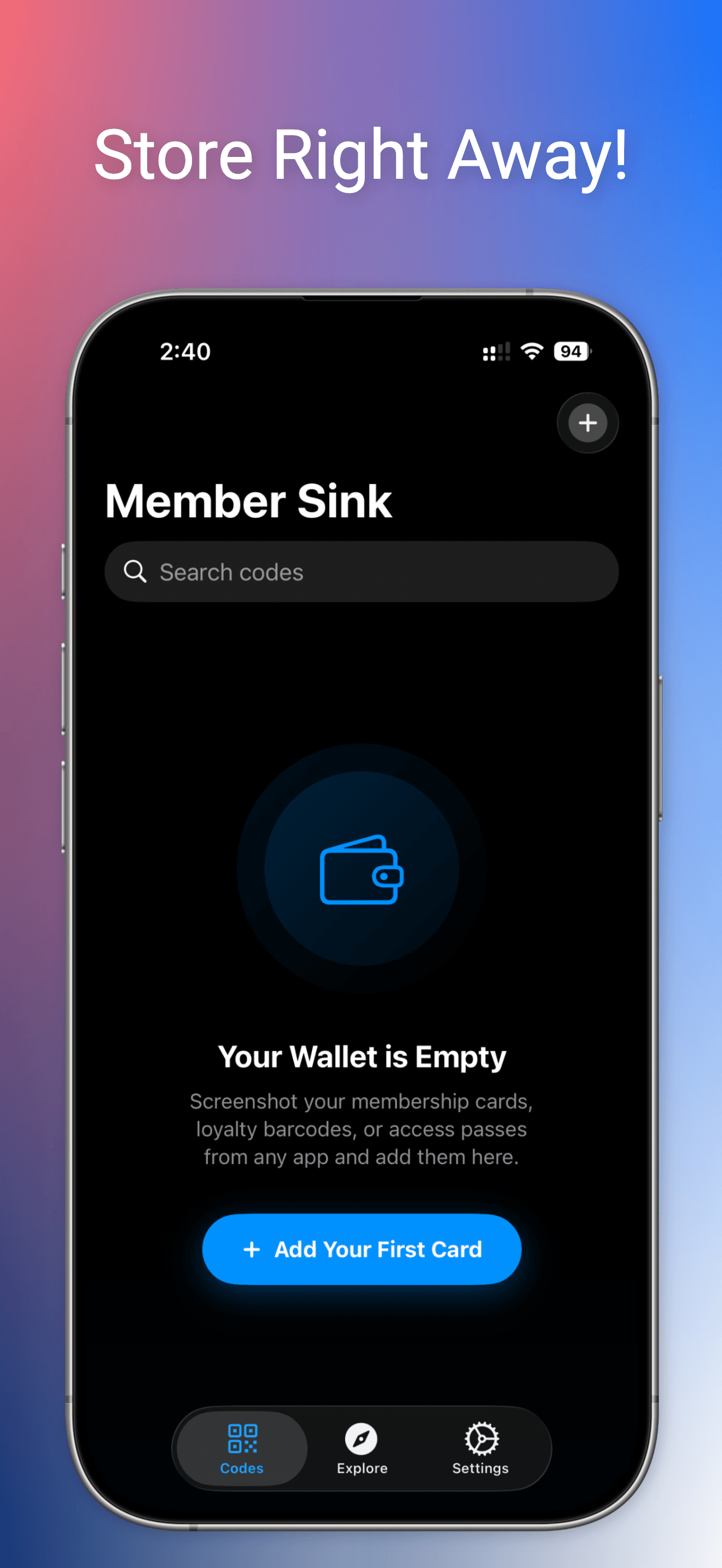
All Your Codes, One Quick Tap
Stop waiting for slow loyalty apps at checkout. Screenshot your membership codes once, pull them up instantly forever. Fully offline — no internet, no login, no waiting.
Every screen designed for speed at checkout
Instant Access
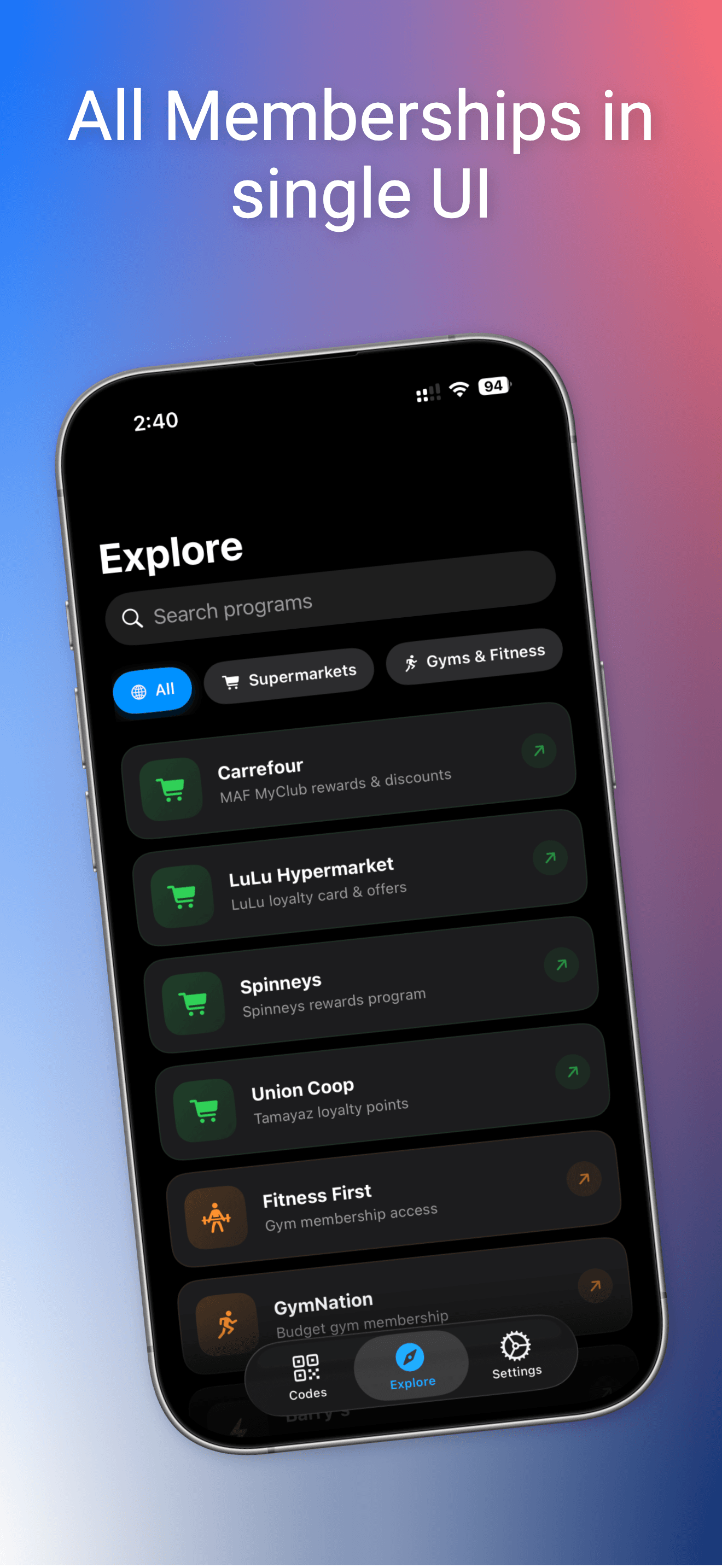
Explore Programs
Your Wallet
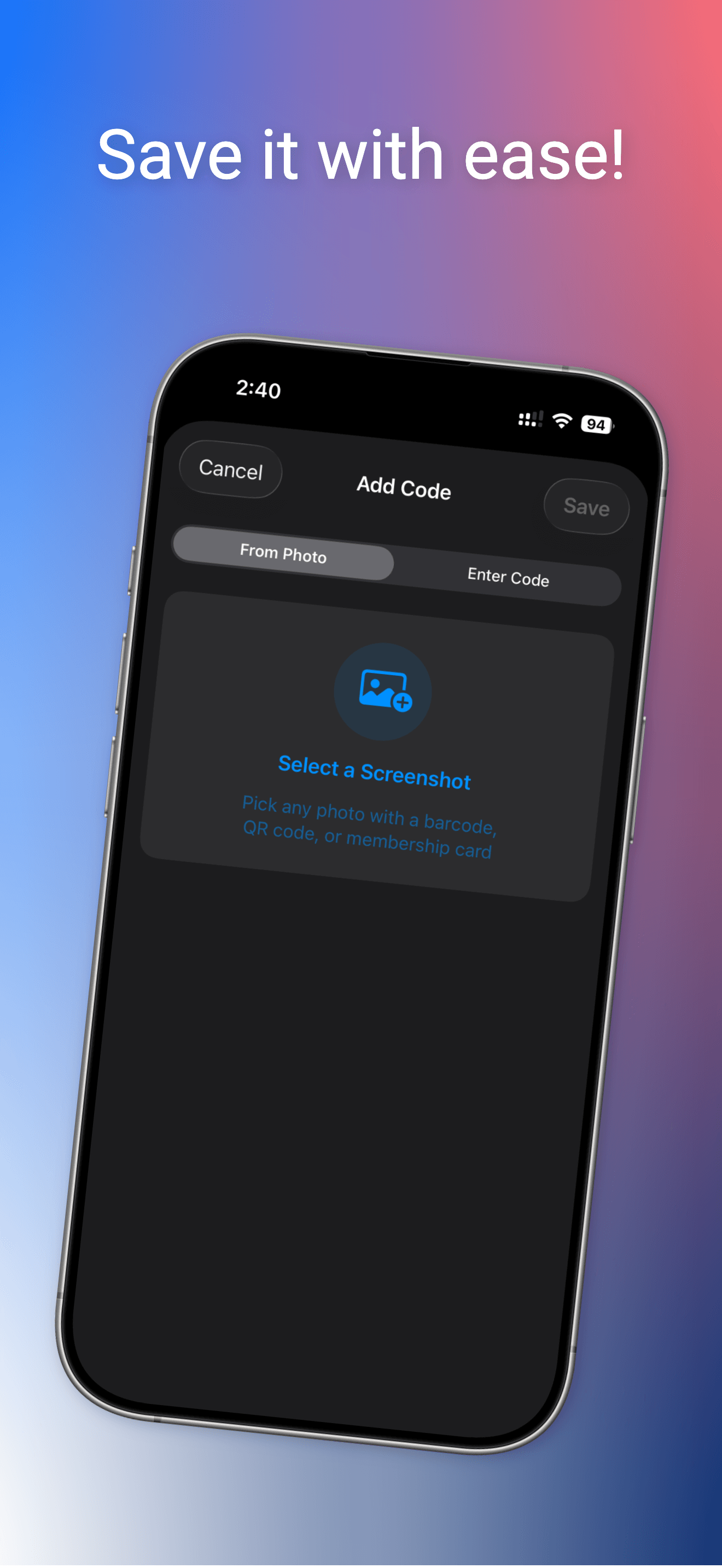
Add from Photo
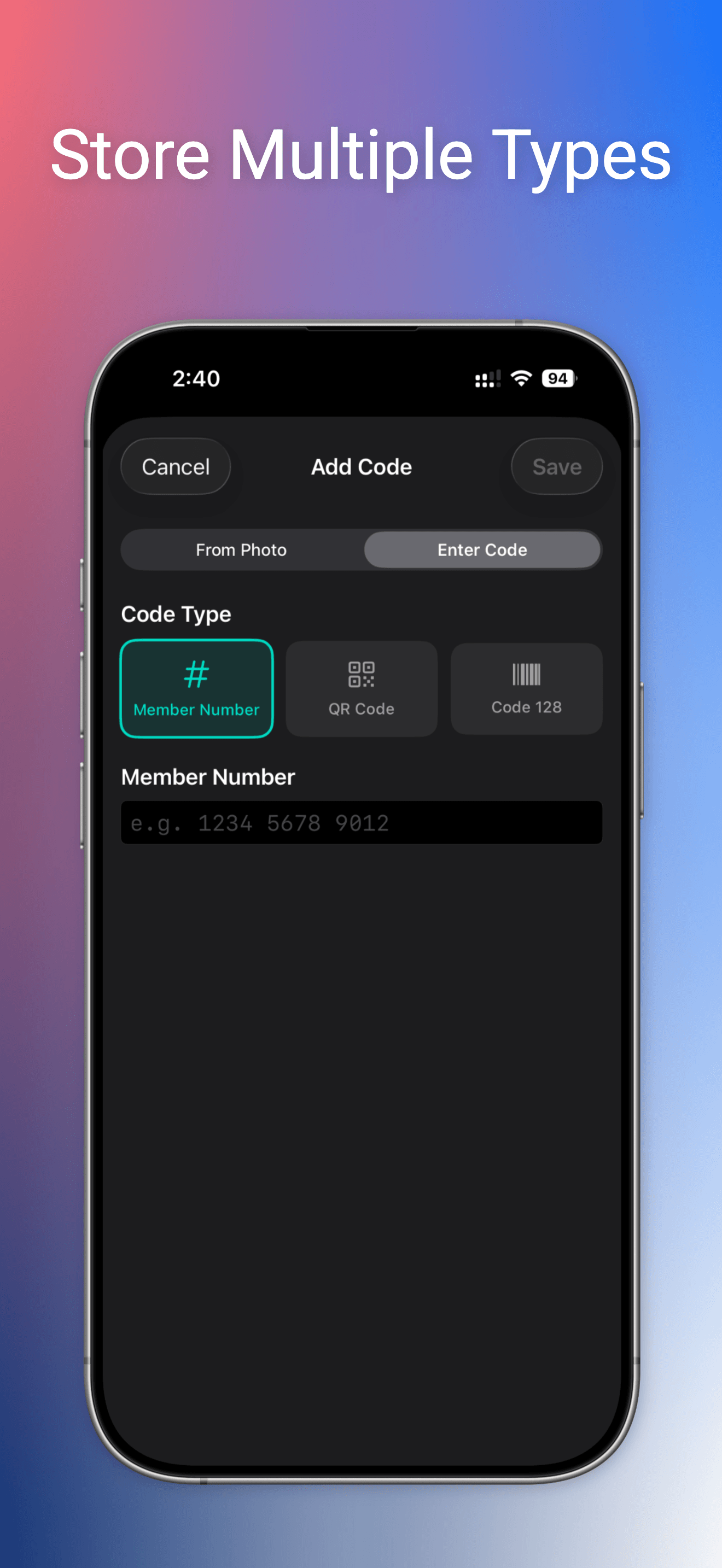
Multiple Formats
Built for speed. Designed for simplicity.
Your codes load instantly. No splash screens, no loading spinners, no waiting.
Works in basements, parking garages, and dead zones. No internet needed, ever.
No accounts, no tracking, no analytics. Your codes never leave your device.
One tap to max screen brightness so scanners read your code instantly.
Swipe between codes, pin your go-to ones to the top, search by name.
QR codes, barcodes, member numbers — screenshot it or type it in manually.
From screenshot to checkout in seconds
Starbucks, gym, supermarket — any app that shows your barcode or QR code.
Take a screenshot of the screen that shows your barcode or QR code.
Tap +, pick the screenshot, and give it a name. That's it.
At checkout, open Member Sink. Your code is ready in under a second.
One screenshot, instant access, forever.